
New Printer Installation
Prepare new equipment for reliable daily operation.
- Unboxing and placement guidance
- Initial configuration
- Test print and device check
Get your printers, computers, and office devices configured properly for reliable everyday business use.
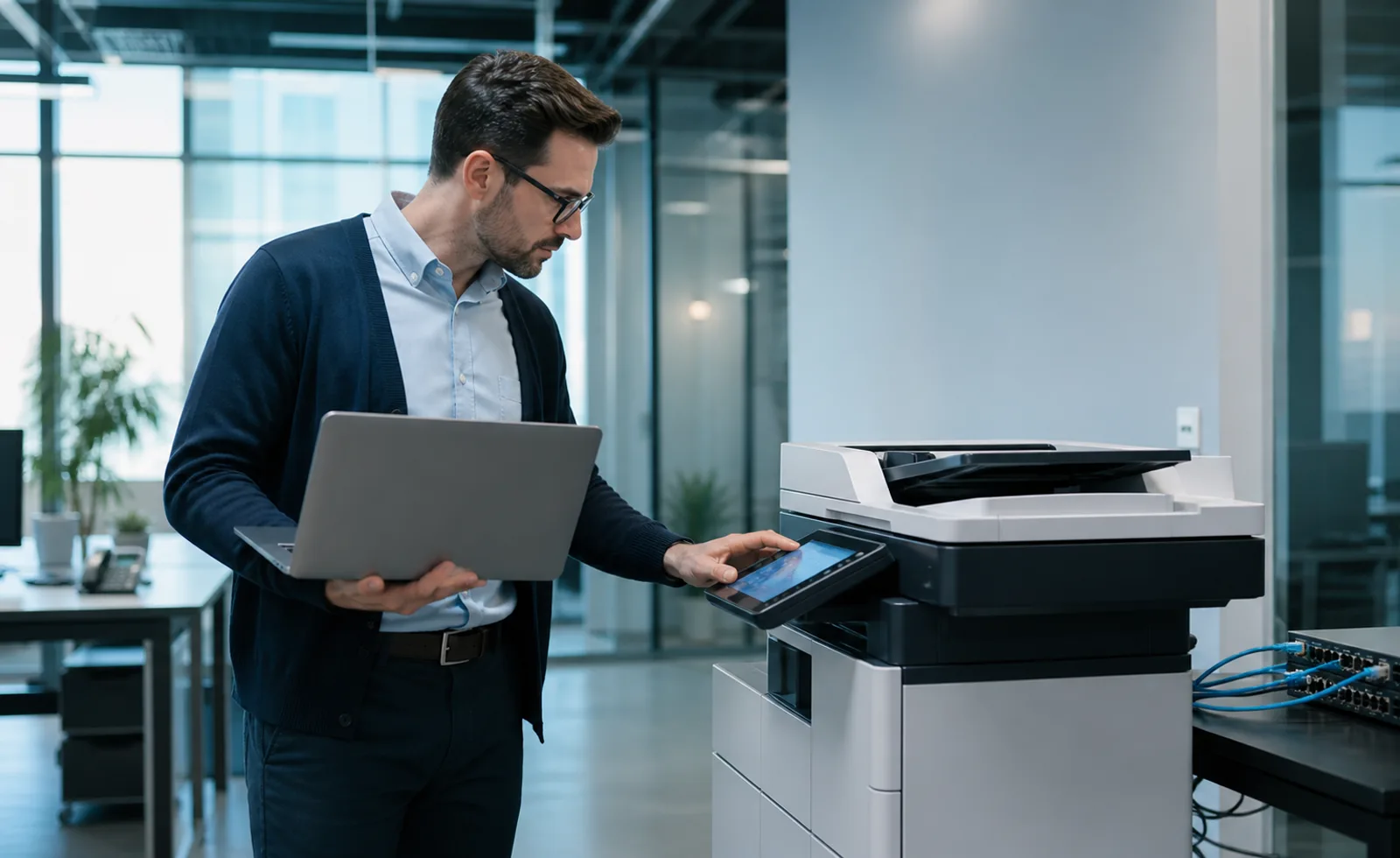
A successful office-device deployment is more than plugging in hardware. We help align drivers, wireless access, network settings, scanning, and user devices so teams can work with fewer interruptions.
Choose the support that fits your current priorities, then build from a clear foundation.
Prepare new equipment for reliable daily operation.
Connect compatible printers to office Wi-Fi and user devices.
Set up shared printing for the people who need access.
Install and configure compatible drivers across business devices.
Configure printing, scanning, and supported office workflows.
Coordinate multi-device setup for growing business environments.
A clear sequence keeps decisions focused, communication useful, and optimization continuous.
Confirm the device, environment, connectivity, and intended users.
Set up compatible network, wireless, driver, and device settings.
Test core print, scan, and connection workflows where supported.
Explain the setup and practical next steps to your team.
Tell us where you are today and what better needs to look like.
Tell us what you’re trying to achieve. We’ll help you identify practical digital marketing or technology opportunities.